Python Object-Oriented Programming Streamlit Game Development
Tamagotchi Game.
A small virtual pet game built with Python and Streamlit to practice object-oriented programming. Feed your pet, play with it, give it a bath and help it sleep. Just don't let its needs get out of control!
Personal practice project · Python · Object-oriented programming
Project demo
Here's a short video showing the game in action.
01. The idea
I built this project as a way to practice writing Python code using classes and objects. Rather than working only with isolated functions, I wanted to create something interactive where an object's state changes depending on what the user does.
The result is a simple Tamagotchi-style game. You create a pet, give it a name, choose a difficulty level and try to keep it alive by managing its needs. The rules are straightforward, but neglecting your pet for too long can lead to a very dramatic game over.
02. How to play
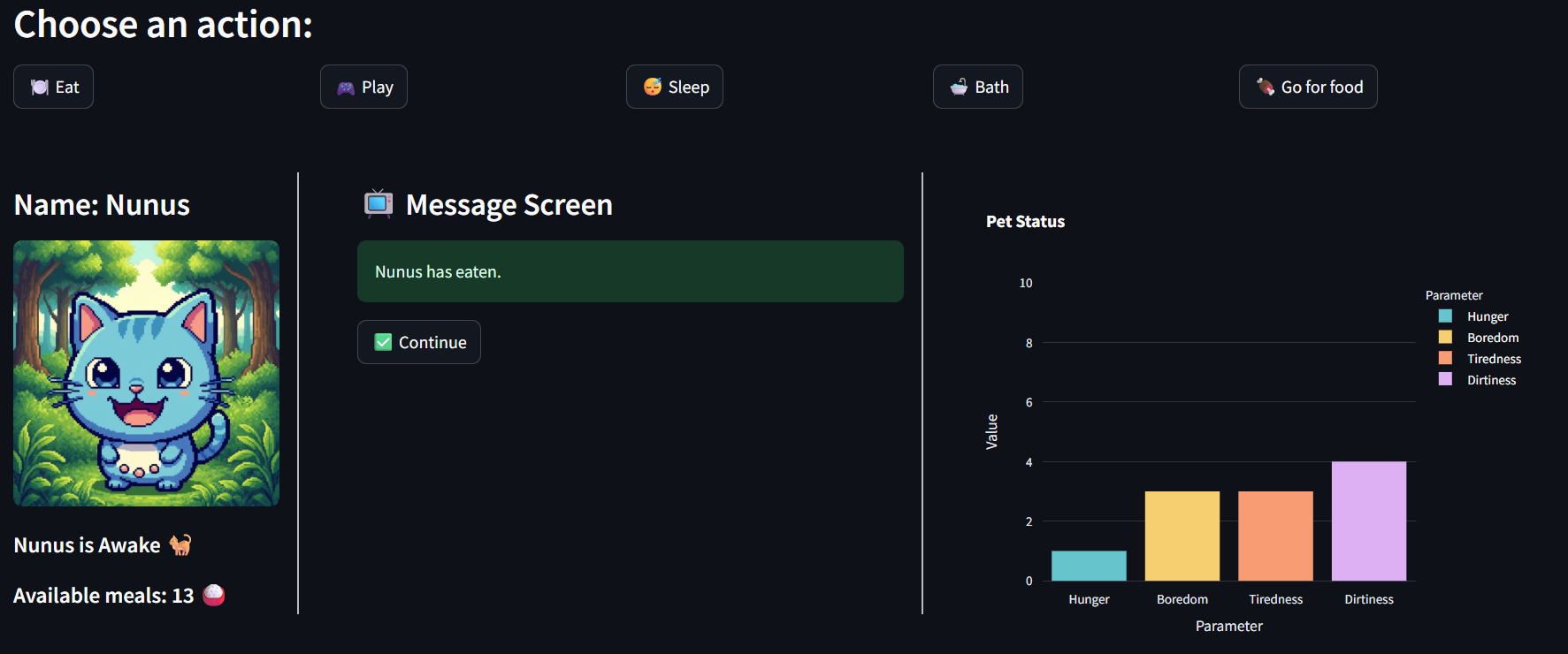
Your pet has four main needs: hunger, boredom, tiredness and dirtiness. Each action affects these values, so keeping your pet alive means choosing the right action at the right time.
- 🍽️ Eat: use an available meal to reduce hunger.
- 🎮 Play: play rock-paper-scissors to reduce boredom. Your pet chooses its move randomly, so you might win, lose or draw.
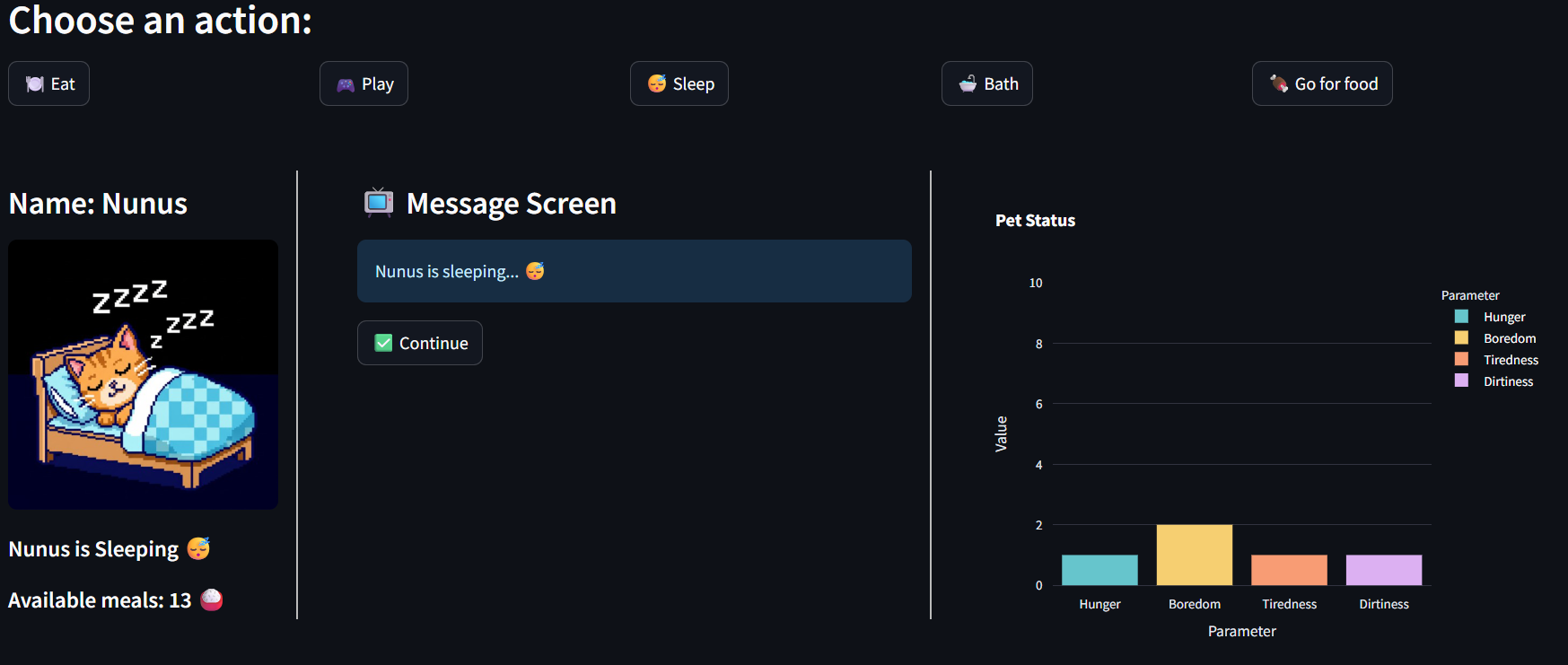
- 😴 Sleep: reduce tiredness and boredom while your pet rests.
- 🛁 Bath: clean your pet and reset its dirtiness.
- 🍖 Search for food: find a random number of meals, although going out also makes your pet dirtier.
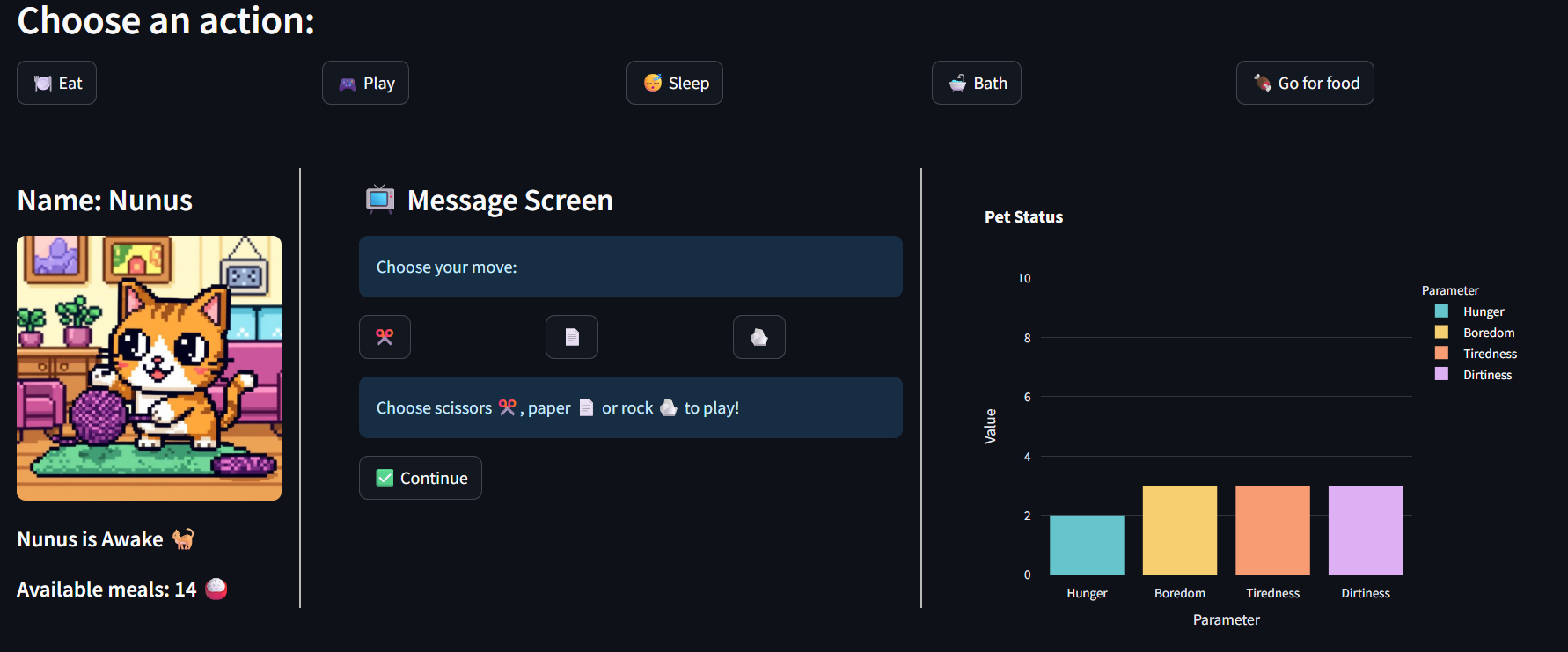
You can also choose the difficulty level, which controls how quickly your pet's needs increase. If any of the four main needs reaches 10, the game ends. A little bit of planning goes a long way!
03. How it works
The Tamagotchi class
The main part of the project is the Tamagotchi class.
Each pet is an object with its own name, hunger, boredom, tiredness,
dirtiness, food supply and sleep status.
Instead of handling every action separately in the main application,
the class contains methods that define how the pet behaves. Methods
such as eat(), play(), sleeping(),
bath() and search_food() update the pet's
attributes according to the game's rules.
The class also handles difficulty and checks whether the pet has reached a game-over condition. This was a useful way to practice keeping related data and behavior together in one object.
Streamlit and session state
Streamlit provides the user interface, including the action buttons,
messages, images and status visualizations. The pet's object is stored
in st.session_state, allowing its state to persist across
Streamlit reruns during the game.
I also use session state to manage game messages, the current rock-paper-scissors interaction and a history of the pet's parameters. This lets the interface respond to each action while keeping track of what has happened.
A visual pet status
The interface changes depending on the pet's condition. Different images represent a happy, sad, sleeping or playing pet, while a bar chart displays the current values of its four needs.
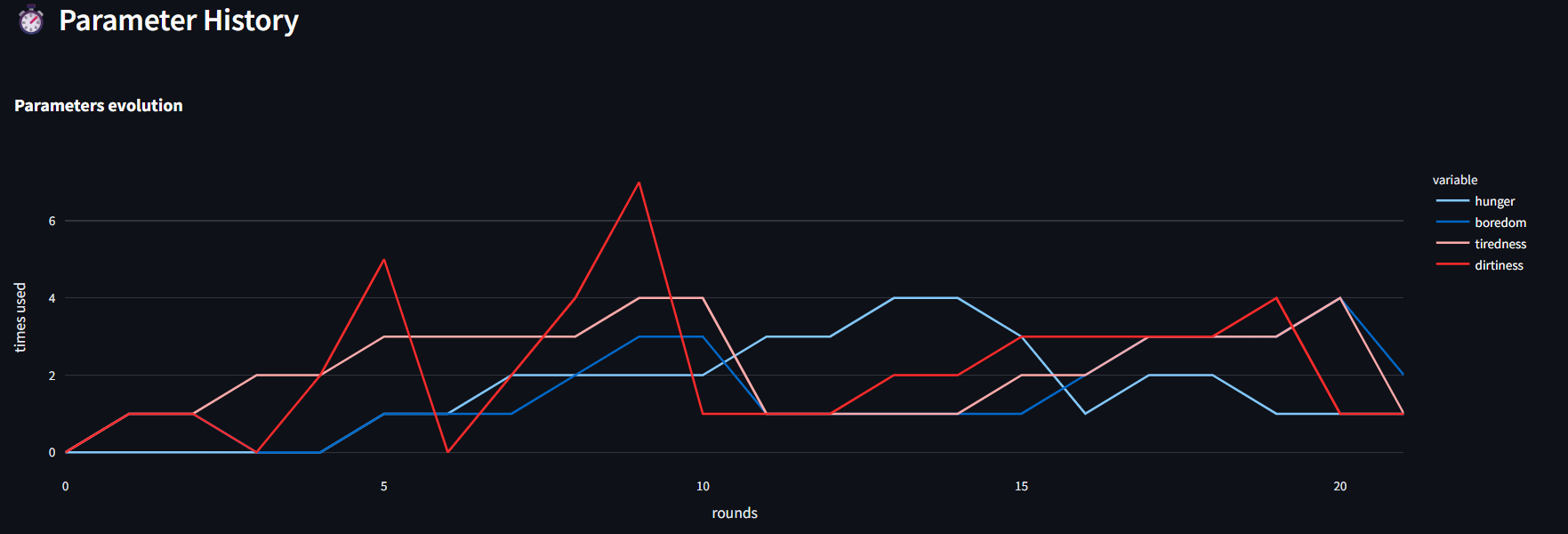
As the game progresses, the application records changes in hunger, boredom, tiredness and dirtiness and displays their evolution in a line chart. This adds a simple data-visualization element to the game and makes the effects of each action easier to follow.
04. What I learned
This was a small project, but it gave me a practical way to apply Python concepts in an application that reacts to user input.
- Object-oriented programming: creating a class, initializing attributes and defining methods that change an object's state.
- Application structure: separating the main Streamlit application, the Tamagotchi class, helper functions and configuration into different files.
- State management: using Streamlit session state to keep the pet and game information between reruns.
- Interactive logic: implementing actions, random outcomes, difficulty levels and game-over conditions.
- Visualization: using Plotly to display current needs and track how they change throughout the game.
This project helped me understand how classes can represent something with its own data, behavior and rules. It also gave me hands-on practice connecting Python logic to an interactive interface with Streamlit.
05. Explore the game
You can try the deployed version or browse the source code on GitHub. The repository includes the main application, the Tamagotchi class, helper functions, configuration, assets and instructions for running the game locally.
A small project built to learn by coding, experimenting and keeping a virtual pet alive.